
Roast Profiles
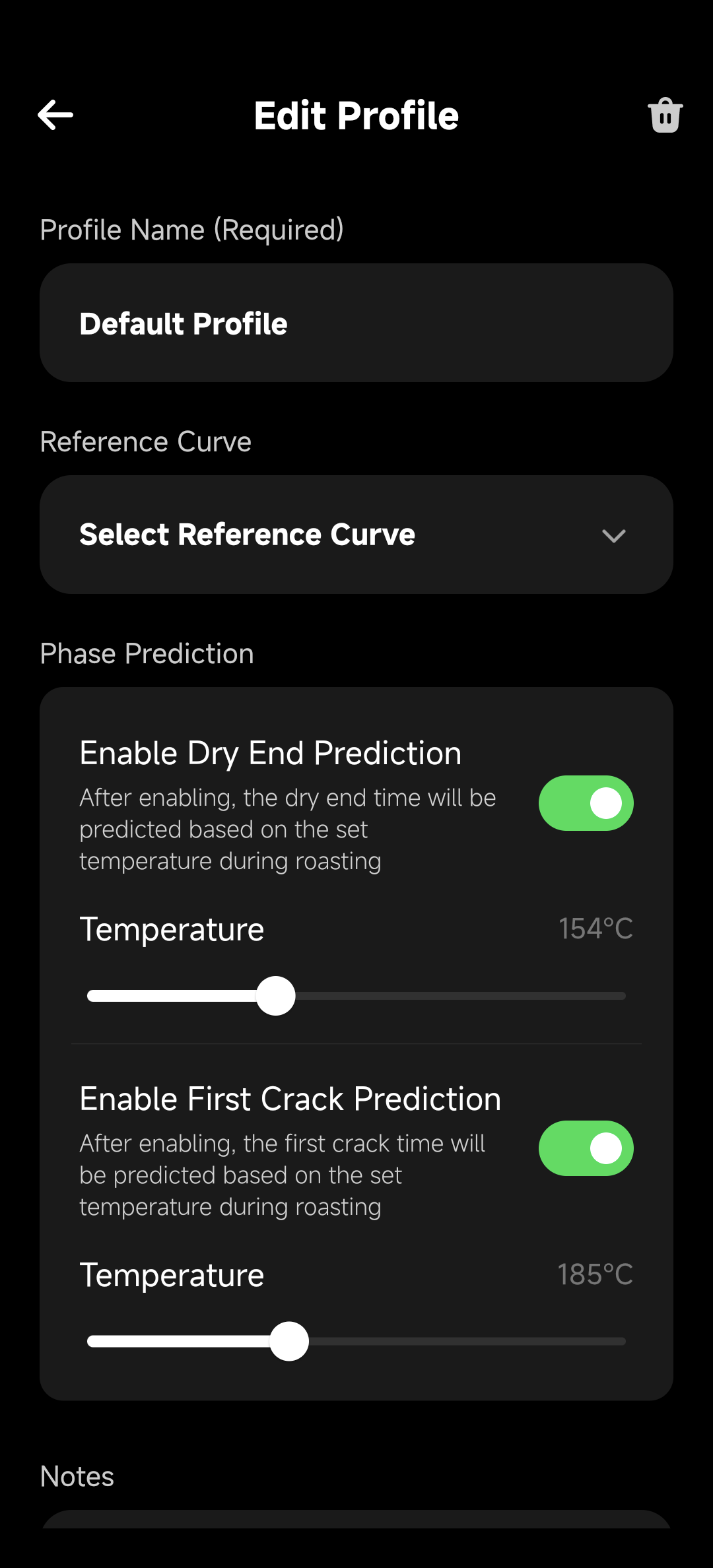
A roast profile is the main object HiBean uses to reuse roast experience. It can store curve data, targets, milestones, device context, and data needed by automation or replay.
Profile vs Roast Log
| Object | Source | Use |
|---|---|---|
| Roast Log | Saved after a real roast | Review, share, export, create profile |
| Roast Profile | Created from a log, imported, or edited manually | Reference curve, automation config, or replay source for the next roast |
In short: a roast log records what happened last time; a roast profile describes what to reference next time.
Use in Manual Roasting
In Manual mode, a profile provides:
- Reference curve: compare live curve against target rhythm.
- Milestones: reference positions for Charge, First Crack, Drop, and related events.
- Automation rules: run reminders, event tags, or control actions when time, temperature, or event conditions match.
In Manual mode, the profile assists the roast; you still control the roaster.
Use in Auto Replay
In auto replay, the profile becomes the execution source:
- Control Replay reads recorded heat, fan, drum, and similar control actions.
- Bean Temperature Tracking reads the target curve and sends target BT values to the device.
Auto replay depends on profile quality. If the profile has no control actions, Control Replay has nothing meaningful to execute. If batch size, preheat, or environment differs too much from the original record, the live curve may diverge.
See Auto Replay Roasting.
Create and Manage Profiles
Common ways to create or collect profiles:
- Create from a successful roast log.
- Create or edit manually.
- Save a community profile into your own library.
- Use model-specific import or conversion paths when your device workflow supports them.
When managing profiles, keep the context that explains the curve: device, batch size, bean, preheat condition, roast target, and key events. This makes it easier to choose a reference curve or replay source later without guessing from the title alone.