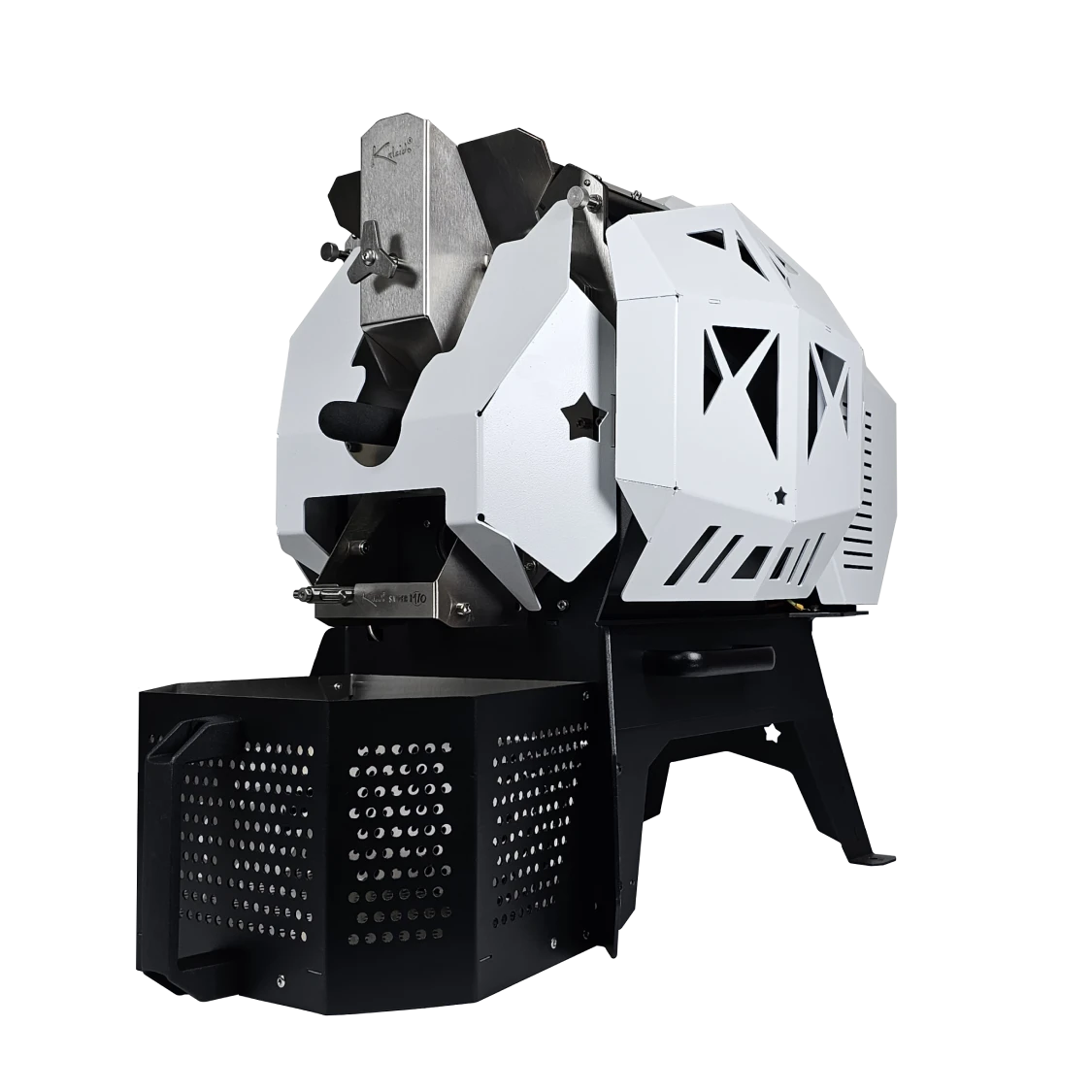
Kaleido
Kaleido roasters support multiple models and system versions. The app automatically detects the device's firmware version upon connection for optimal compatibility.
Pro Version
The Pro version is the base model, offering a stable roasting experience.
Connection (by platform):
- Android: Classic Bluetooth (SPP)
- macOS / Windows: Classic Bluetooth (SPP) or Serial (USB/COM)
- iOS: Not supported (use Dual System for Wi-Fi)
Dual System Version
The Dual System version adds Wi-Fi (Socket/IP) connectivity in addition to Bluetooth.
Connection (by platform):
- Android: Classic Bluetooth (SPP) or Wi-Fi (Socket/IP)
- iOS: Wi-Fi (Socket/IP)
- macOS / Windows: Classic Bluetooth (SPP), Wi-Fi (Socket/IP), or Serial (USB/COM)
Tip: If you need to switch connection types after binding, see Update Connection Settings.
M1 Series
Supported Models: M1 Pro, M1 Dual System (and old firmware versions)
Connection: Classic Bluetooth (SPP) for Pro; Wi-Fi (Socket/IP) for Dual System; Serial on macOS/Windows
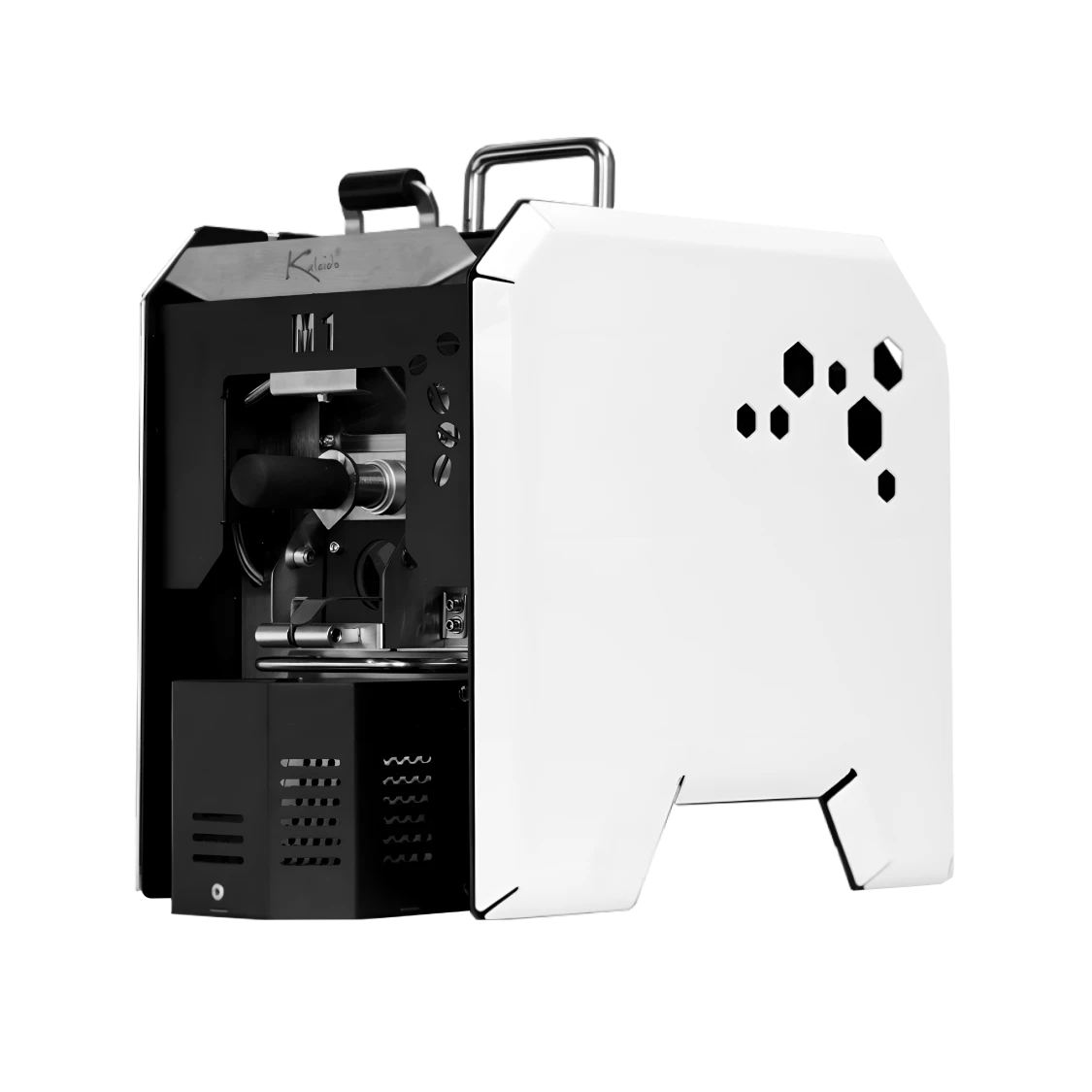
M2 Series
Supported Models: M2 Pro, M2 Dual System (and old firmware versions)
Connection: Classic Bluetooth (SPP) for Pro; Wi-Fi (Socket/IP) for Dual System; Serial on macOS/Windows
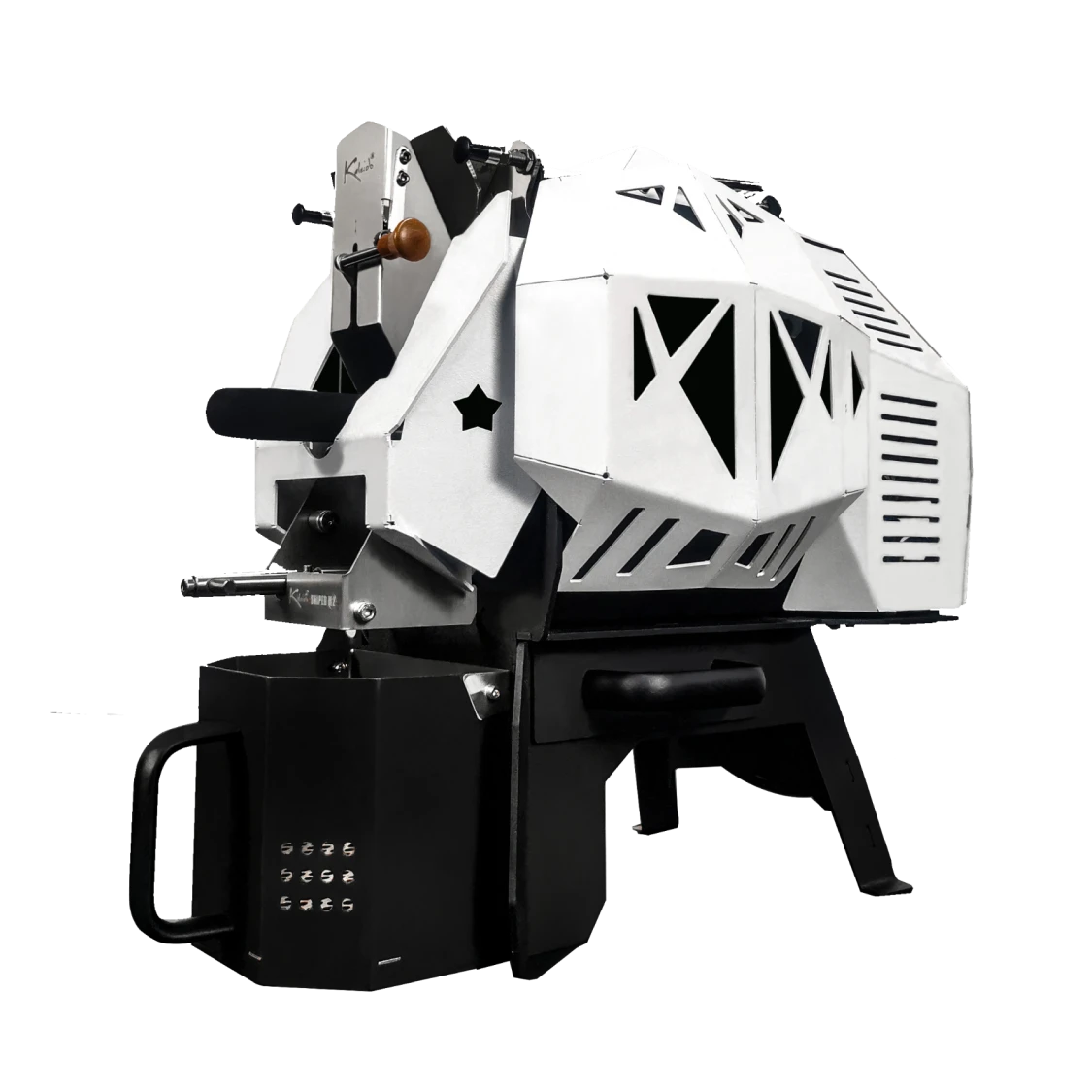
M6 Series
Supported Models: M6 Pro, M6 Dual System (and old firmware versions)
Connection: Classic Bluetooth (SPP) for Pro; Wi-Fi (Socket/IP) for Dual System; Serial on macOS/Windows
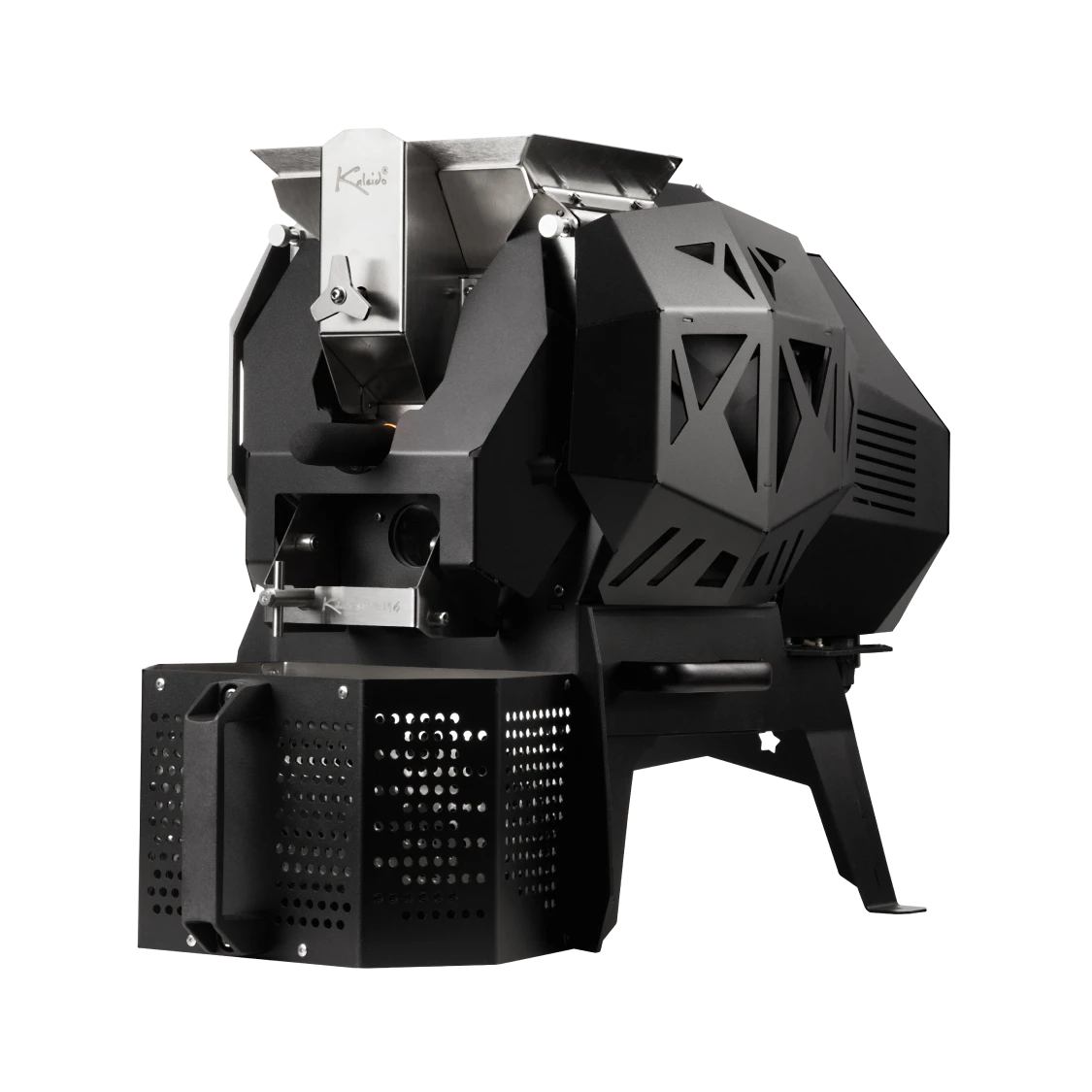
M10 Series
Supported Models: M10 Pro, M10 Dual System (and old firmware versions)
Connection: Classic Bluetooth (SPP) for Pro; Wi-Fi (Socket/IP) for Dual System; Serial on macOS/Windows