Skywalker
Skywalker V1 (Community & HiBean Edition)
Skywalker V1 has two core editions. Although both are based on the high-performance ESP32-S3 hardware solution, they are entirely different at the software level. Please choose the corresponding edition based on your purchase channel.
HiBean Edition (HB)
Description: This edition is developed and maintained by our HiBean team, using the ESP-IDF framework. It comes with full after-sales and technical support.
Connection: Bluetooth Low Energy (BLE)
Platform Support: Android & iOS
Where to Buy: You can purchase this kit from our Official Online Store.
Skywalker HB Module Installation and Onboarding
Hardware Setup
- Unplug the stock controller from the device.
- Connect the included USB extension cable to the device port.
- Plug the Skywalker HB module into the other end of the USB extension cable.
- Keep the cable stretched so the module stays away from the machine body as much as practical, which helps reduce electromagnetic interference.
- After the module is connected, open HiBean App and start the add-device flow.
Add the Module in HiBean App
- Open HiBean App, create an account, and sign in.
- On the home page, tap
Add Device. - Select
Skywalkerfrom the device list. - In the secondary dialog, choose
Skywalker HB. - Scan for Bluetooth devices and select the identifier whose name starts with
HiBean. - Follow the in-app prompts to complete setup.
Notes
- The Skywalker HB module only applies to the official HiBean edition. It does not apply to the Community Edition or Delta edition.
- Before scanning, make sure Bluetooth is enabled on your phone and that HiBean App has the required Bluetooth permissions.
- If no device is found, check that both the module and USB extension cable are fully inserted, then move your phone closer to the module and scan again.
- For a more stable connection, use the included USB extension cable and avoid keeping the module pressed against the machine body.
- The stock controller must be removed before using the Skywalker HB module. If it is still connected, the HiBean App onboarding flow for the HB module will not work correctly.
Community Edition (Comm)
Description: This edition is maintained by open-source community developers and uses the Arduino framework.
Connection: Bluetooth Low Energy (BLE)
Platform Support: Android & iOS
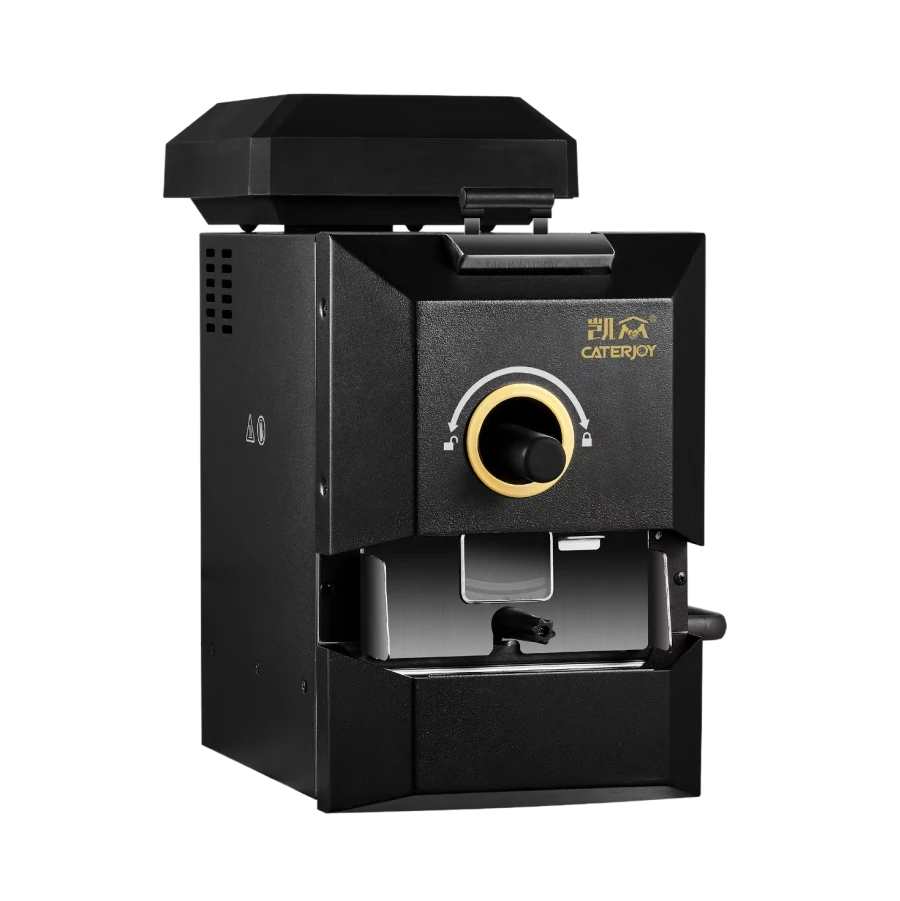
Skywalker V2 (Delta)
Description: V2 is also known as the Delta edition.
Connection: Classic Bluetooth (BT)
Platform Support: Android only